About Hulu

49.7M
Paid subscribers in the U.S. (as last reported in February 2024)

70000+
TV episodes and movies

95+
Live channels

7
Offices across the U.S.
Our Story
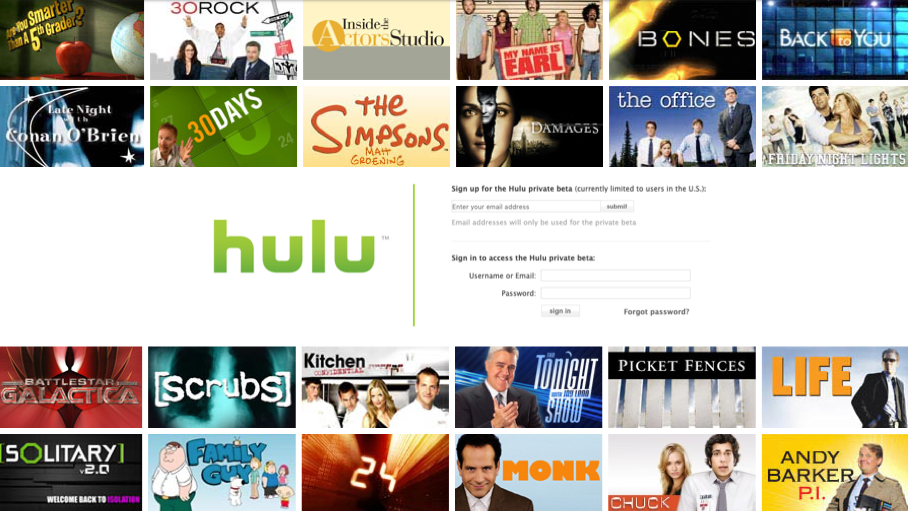
2007
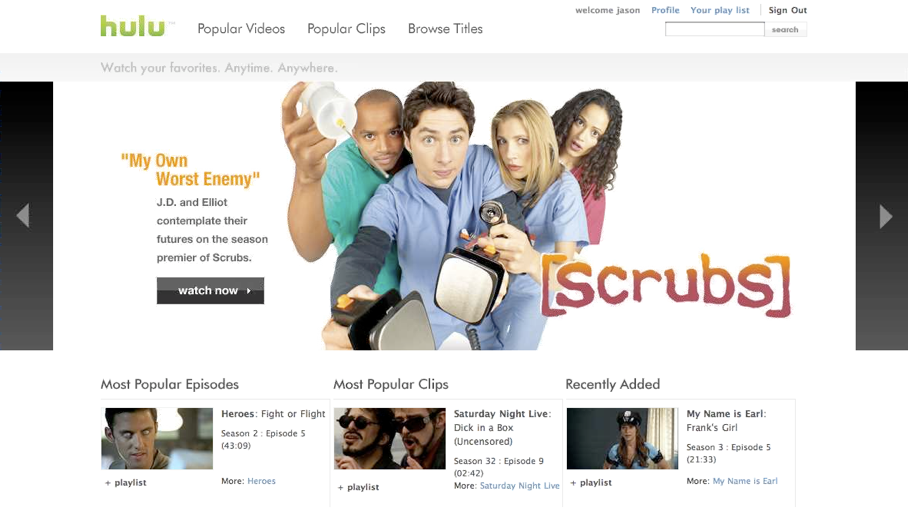
2008

2009

2010
August 2011

September 2011

July 2015

September 2015

2016

May 2017

September 2017

2018

2019
About Hulu
Hulu is the leading and most comprehensive all-in-one premium streaming service that offers an expansive slate of live and on-demand entertainment, both in and outside the home, through a wide array of subscription options that give consumers ultimate control over their viewing experience. As part of the Disney Entertainment segment, Hulu is the only on-demand offering that provides access to shows from every major U.S. broadcast network, libraries of hit TV series and films – including licensed content available exclusively on Hulu – and award-winning Hulu Originals, both with and without commercials. With Hulu + Live TV, subscribers receive a unique combination of access to 95+ live news, entertainment and sports TV channels from 20th Television, The Walt Disney Company, ABC, NBCUniversal, CBS Corporation, The CW, Turner Networks, A+E Networks and Discovery Networks, as well as Hulu’s on-demand library, Disney+, and ESPN+ included as part of the base plan. Visit hulu.com to subscribe or learn more about the service.

For Hulu Originals, please contact DGE.hulumedia@disney.com
For general inquiries, please contact hulu.media.relations@disney.com
